
Support
Everything you need, in one place
Join the Microsoft Teams space to connect with other participants, then use the tools and docs below to build and ship.
Register to join
Fill in the short registration form to take part. Sign up by 7 September so we can add you to the Teams space before kickoff.
Register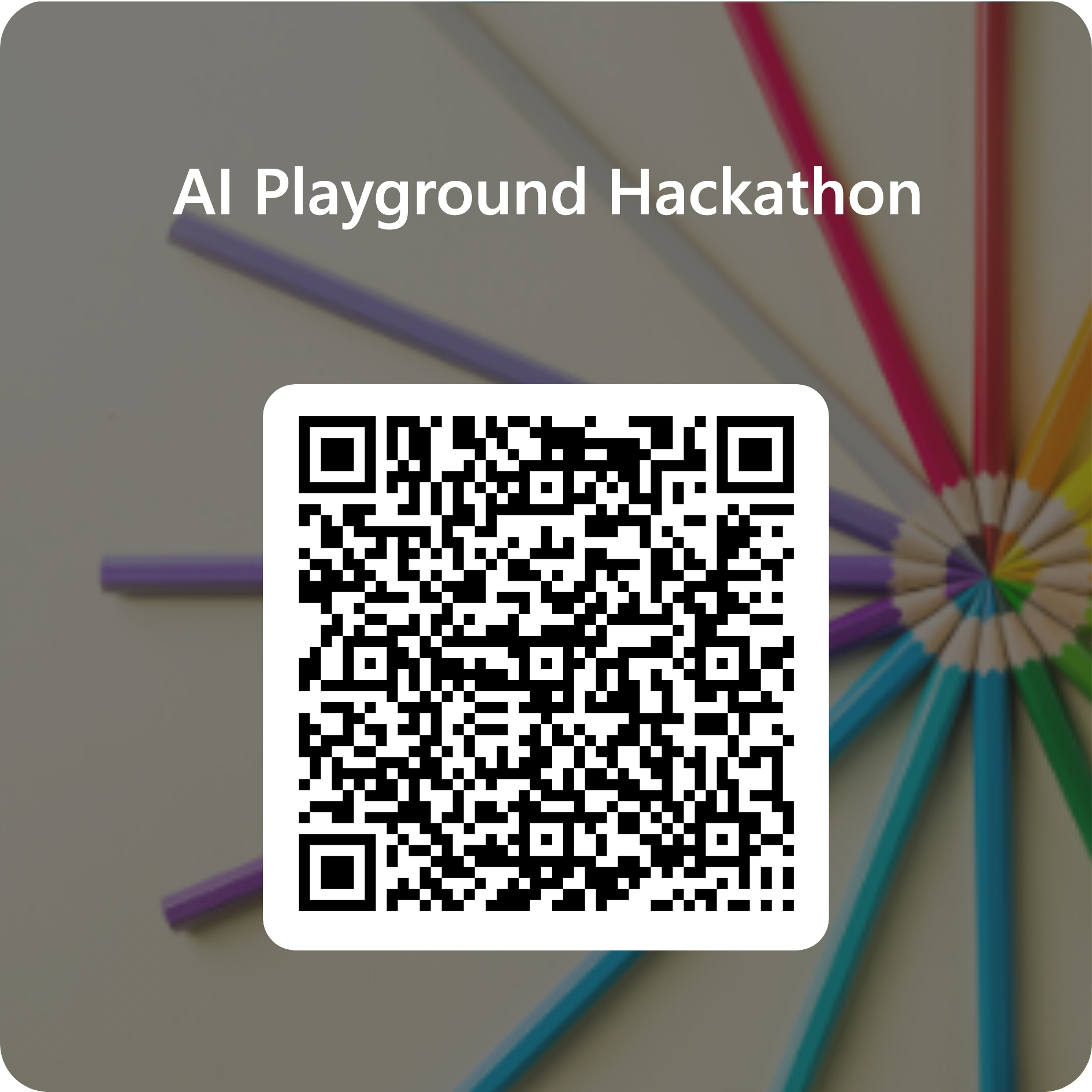
Join & connect
The DCX AI Playground Hackathon 2026 space on Microsoft Teams.
Join the TeamSee your team, add members, and follow every channel in one place.Team FormationNo team yet? Post what you want to build and what you bring, then team up.AnnouncementsKey updates, reminders, and deadlines from the organisers.Pulse CheckEnd of Week 1? A 30-second check-in on how you're doing and where you'd like help.HelpStuck? Drop your question with a screenshot — no question is too basic.
Something not right? Report a problem — handled confidentially. For a verified anonymous route, use Capgemini SpeakUp.
Submit your project
When you’re ready, fill in the submission form in the Submissions channel. See the submission checklist first.
Build & ship
The tools and docs you’ll actually use.
v0Prompt, edit, and deploy an application in the browser.v0 CommunityBrowse real builds for inspiration and starting points.Vercel templatesReady-made starters you can deploy in a click.AI SDK examplesSmall, runnable examples to copy — chat, tools, and more.AI SDK docsAdd chat, tools, and streaming to your app.GitHub repoThe source for this site and all the docs.
New to this? The AI SDK guide walks through picking a template and getting it running, step by step.